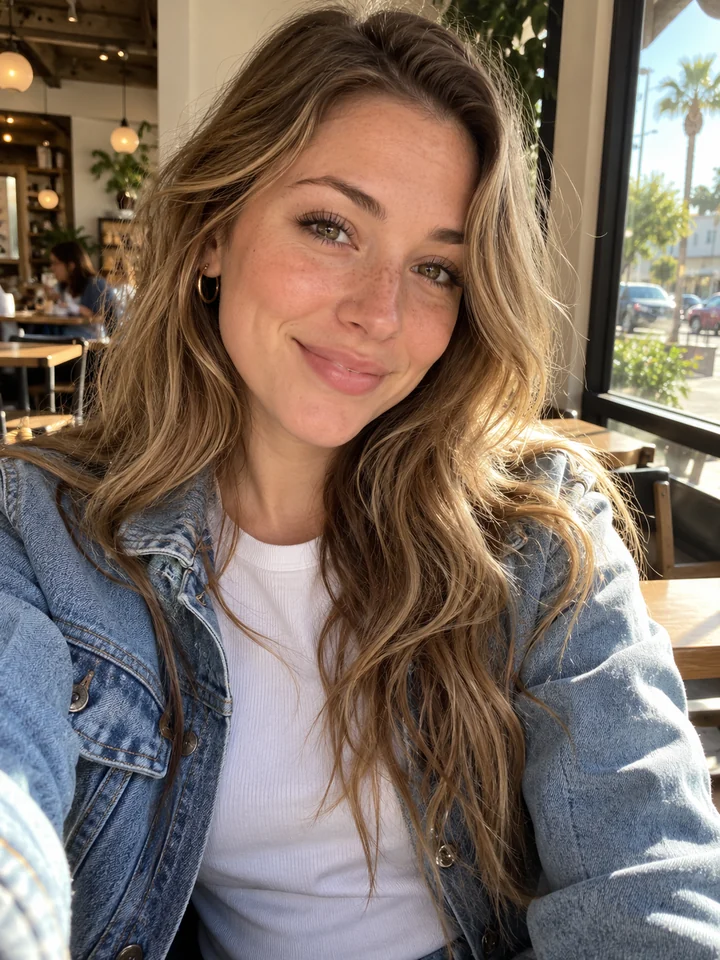
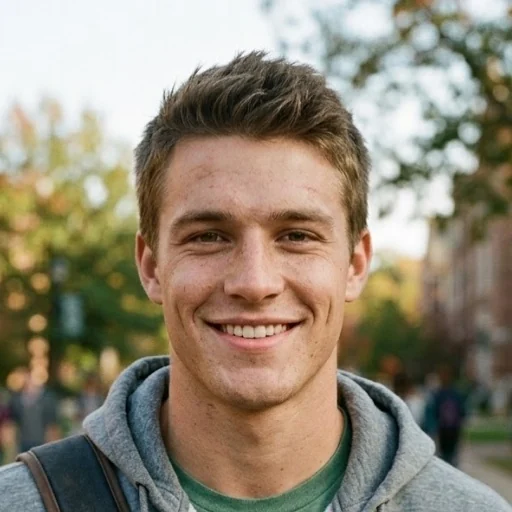
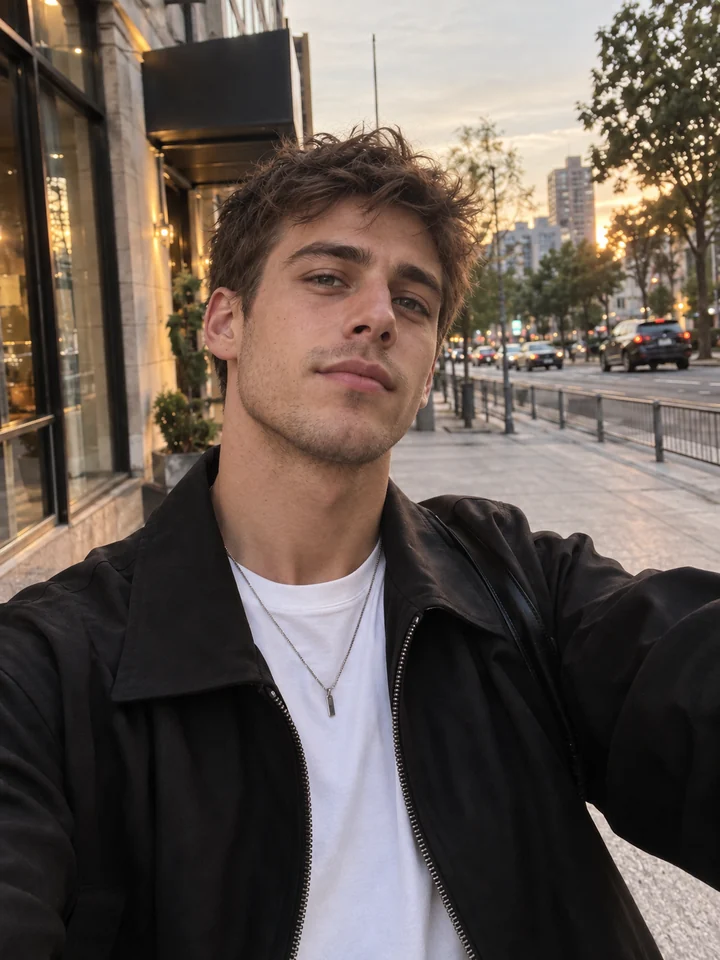
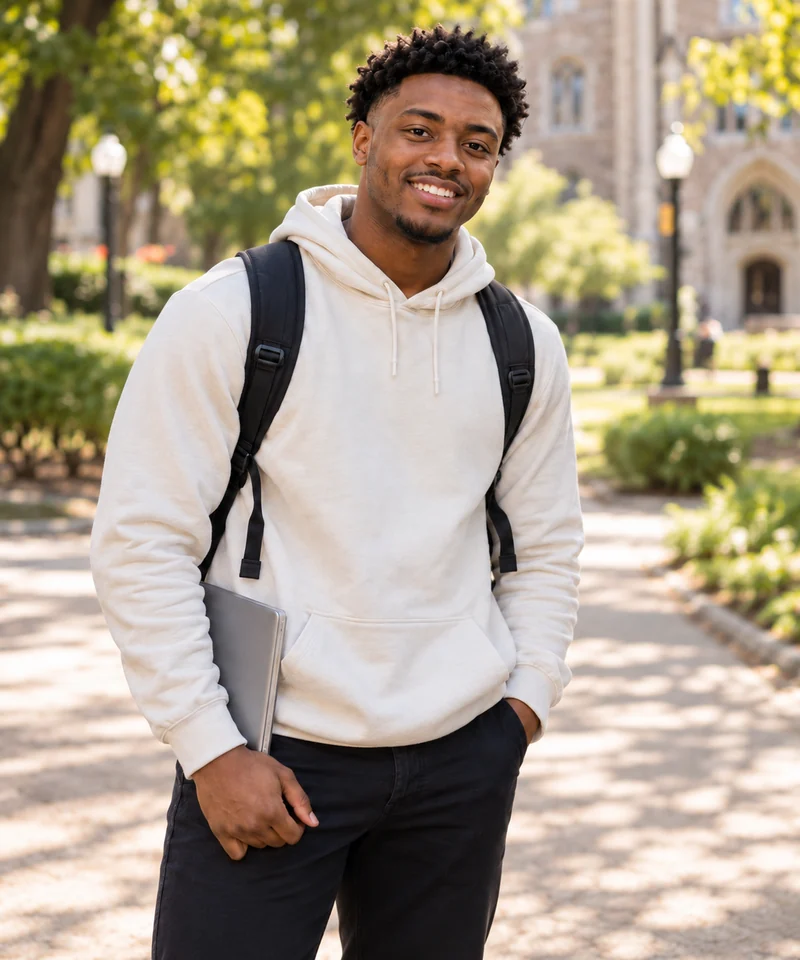
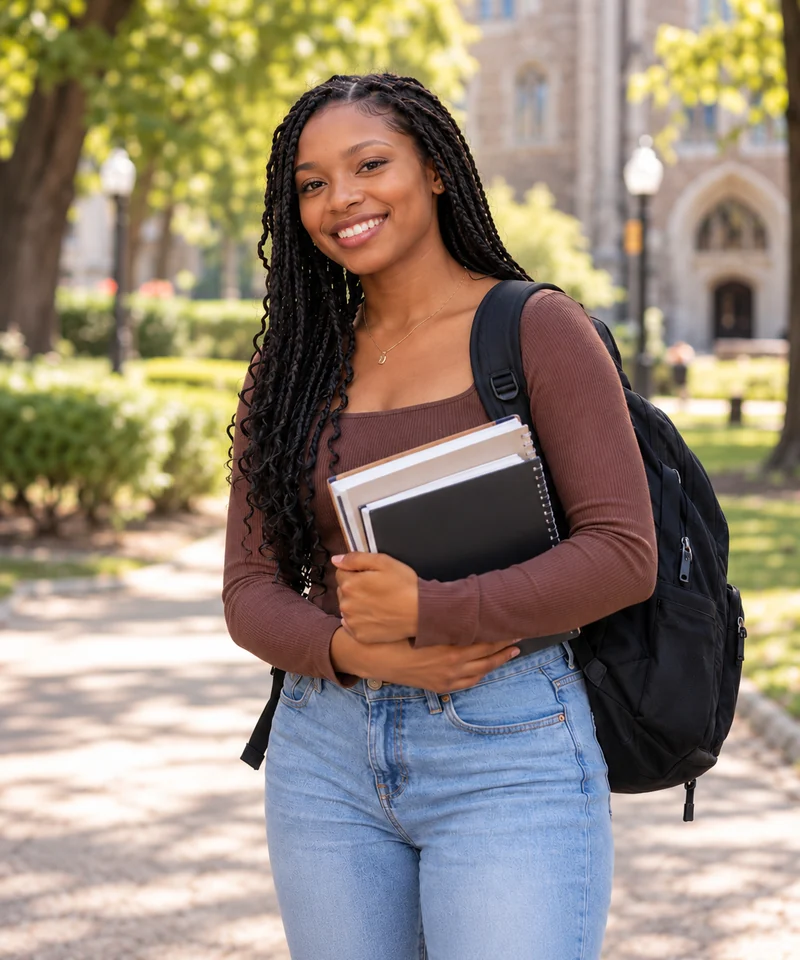
1. Upload five photos
Add one clear photo for each performer: the lead singer, keyboard player, two backing singers and saxophonist. Use one person per photo, with their face clearly visible and evenly lit.
Turn 5 photos into your own Outstanding Tiny Desk AI video. Recreate the viral concert with recognizable faces, five distinct performers, and familiar camera cuts — no filming or editing required.
Add one clear photo for each performer: the lead singer, keyboard player, two backing singers and saxophonist. Use one person per photo, with their face clearly visible and evenly lit.
Match each photo to its role, then choose your model, resolution and format. The template provides the office concert setting, performance sequence and camera cuts.
Try the 4-second opening for 10 credits, or create the full 15-second video at the price shown on the generate button. Open My creations to follow the task, review the finished result and download it.
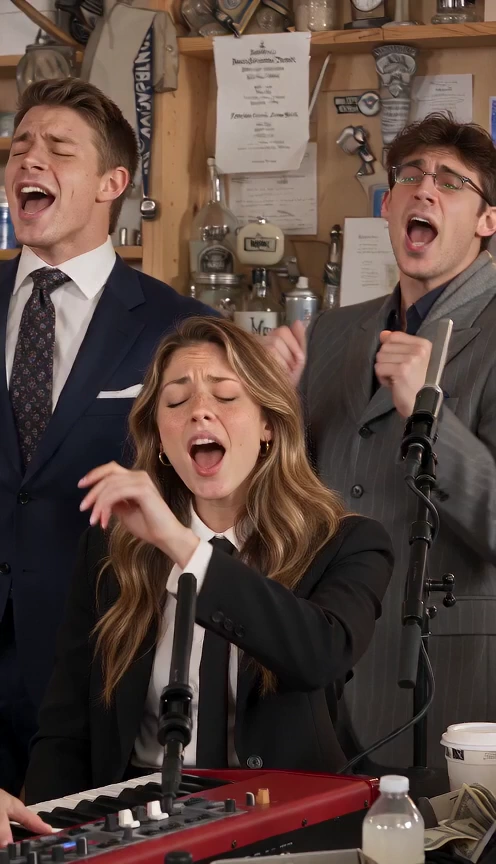
The Outstanding Tiny Desk AI trend recasts a desk concert with people you would never expect to see performing together. A keyboard player beams at the microphone, backing singers join in, the camera catches the lead singer’s reaction, and a saxophone close-up completes the scene. The familiar concert setting makes the unexpected cast the joke.
The format draws on Charlie Wilson’s 2023 NPR Tiny Desk performance of The Gap Band’s “Outstanding.” In October 2026, an AI edit featuring college football coaches whose teams had lost turned that upbeat performance into a sports joke. The same casting idea gives you room to imagine your own lineup, from friends and teammates to a group chat taking the stage together.
Outstanding AI brings that idea to five photos. Choose your cast and let the prepared template arrange the desk-concert scene, performance shots and camera cuts. You can create your own version without gathering everyone for a shoot or assembling the sequence in a video editor.
Make your own Outstanding videoFive portraits. One unexpected concert.
This demo was generated with Seedance 2.0 Mini from the five photos below. Our template brings your cast into the familiar desk-concert performance, with reference-guided shots and the original sound.
The seated singer performs at the red keyboard while the two backing singers gesture and sing behind them.
A close-up follows the lead singer turning, smiling and singing in the same warm concert setting.
The camera cuts to the saxophonist, with the mouthpiece, instrument and playing gestures in view.
The final shot returns to the seated singer and backing singers, continuing the performance around the keyboard.
One person for each role.
The setting stays familiar. Your choice of performers gives the video its personality.
Give each person a place in the performance, from the lead singer to the saxophonist. Separate photo slots make it clear who belongs in each role.
Build the scene around your friends, teammates or another unexpected combination. The humor comes from seeing your chosen cast take the performance seriously.
The template moves from the keyboard and backing singers to the lead singer, then finishes with the saxophone. You do not need to plan each shot yourself.
Start with portraits instead of filming everyone singing or playing an instrument. The template supplies the scene and performance direction without requiring you to write a prompt.
The credit cost depends on your selected model and resolution. Review the total in the creator before starting your video.
See the keyboard player and two backing singers in the opening shot. The lead singer and saxophonist appear in the full video.
The preview uses 10 credits from your balance, including welcome credits. Eligible new accounts can try it once at 480p with Standard, subject to availability. This trial allowance is shared across video templates.
Make your own Outstanding videoYour five-person cast, from the opening to the final shot.
The prices above are for a full 15-second video at 720p. Other resolutions are quoted in the creator. Reserved credits are returned when a task is confirmed as failed or canceled.
View pricingYou need five photos, with one person in each photo. Each photo is assigned to a different role: lead singer, keyboard player, backing singer on the left, backing singer on the right, or saxophonist. Left and right refer to their positions in the opening shot.
Choose clear, well-lit portraits with the face fully visible. Avoid heavy blur, strong shadows, covered faces and group photos. Upload JPG, PNG or WebP files up to 10 MB each, with each side between 300 and 6000 pixels.
No. The keyboard player and two backing singers share the opening setup, while the lead singer and saxophonist have their own close-ups. The 15-second video ends during the saxophone performance.
No. You provide the five portraits. The Outstanding Tiny Desk AI template includes the concert setting, role assignments, motion reference and performance audio reference.
The template aims to preserve each performer’s clothing style, colors, layers and accessories from their own photo. It places the cast in the concert setting, replacing the photo backgrounds. Clothing details can vary during generation.
Our template uses motion and audio references to recreate the recognizable concert sequence. Your uploaded photos guide each performer's appearance. Facial details, gestures, and timing may vary depending on the AI model.
No. The example was generated from the five portraits shown. Your 15-second video uses your own photos, and facial expressions, gestures, instrument movements and camera framing can vary.
The finished video uses the prepared performance soundtrack. The template also uses it as an audio reference to guide the performance, though lip and instrument synchronization can vary. The photos guide appearance rather than cloning the performers’ voices.
The full video is 15 seconds and downloads as an MP4. Choose portrait (9:16), landscape (16:9) or square (1:1). All four models offer 480p and 720p; Pro and Ultra also offer 1080p. The preview is 4 seconds at 480p.
The 4-second Standard preview at 480p uses 10 credits, which can come from your welcome balance. Eligible new accounts can try it once, subject to availability. It shows only the keyboard player and two backing singers. The trial allowance is shared across the site’s video templates. Upload all five photos so the cast is ready for a full video.
The creator shows the credit cost for your chosen model and resolution before generation. The pricing section lists the four models at 720p. A full video uses credits; credit packs and plans are available on the pricing page.
Open My creations to follow the task, review the finished result and download it. Processing time depends on the model, queue and service availability. Check the existing task before submitting another request.
Credits reserved for a task are returned when it is confirmed as failed or canceled. Failed free previews release their allowance. Queued or pending tasks are still being processed.
Use another person’s photo only with their permission. Ask for consent before uploading it and sharing the result. Do not present an AI remix as a real recording or endorsement.
No. Outstanding AI is an independent tool and is not affiliated with NPR, Tiny Desk Concerts or Charlie Wilson. Generated videos are fictional performances, not footage of the people in your photos performing together.
Pick the lead, build the band and give your cast a desk-concert moment of their own.